Skip to content

Saving Maps

Save your map layout and styling so it can be reused consistently.

SchemeFlow offers two ways to save maps: Company Styles and Propagate Styles. Each is designed for a different use case.

Company Styles

Save the current map layout for a specific map.
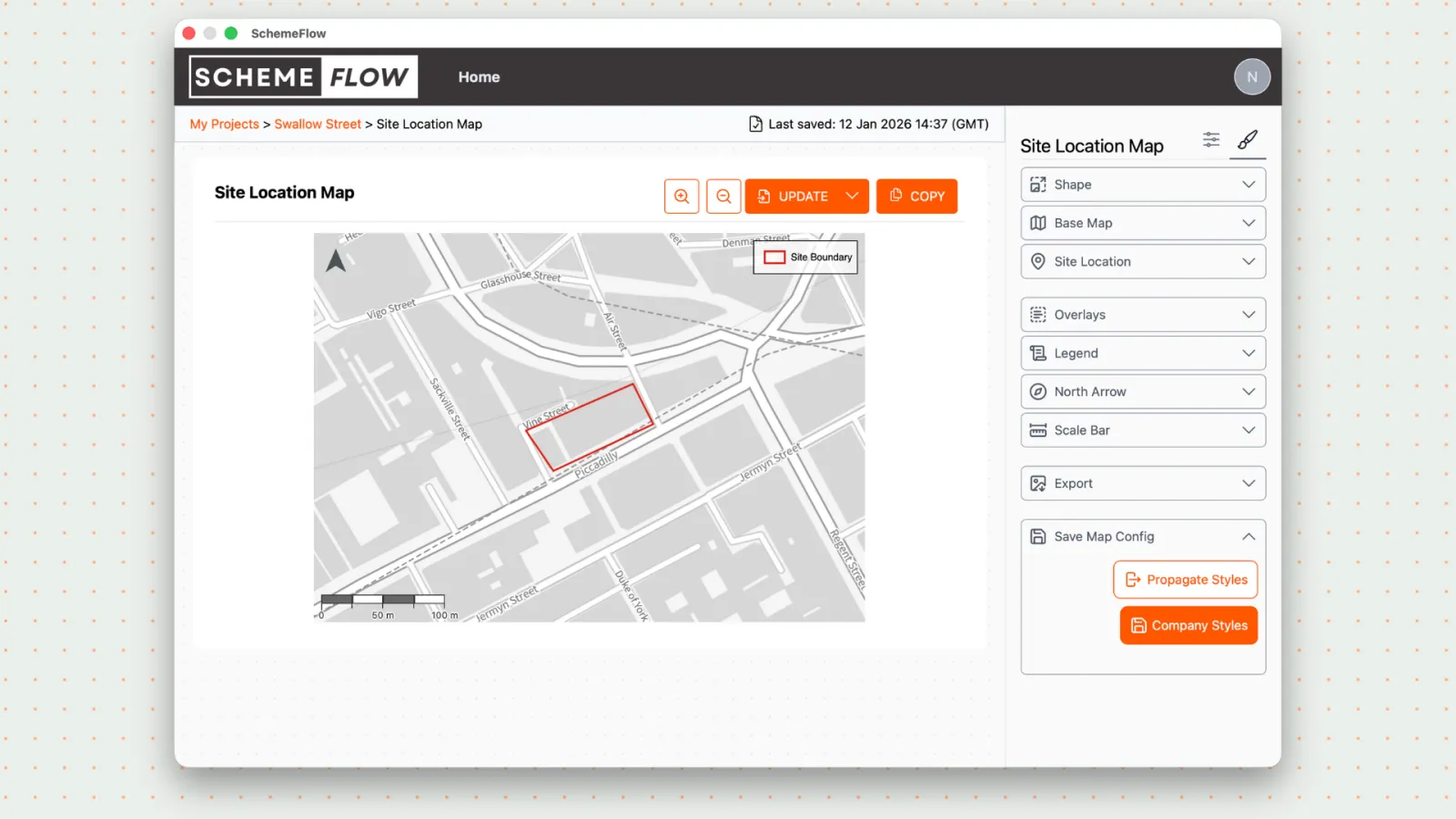
Saving with Company Styles

What gets saved

  • Map layout
  • Data layers
  • Layer visibility
  • Map styling for that map

When to use

  • Making changes to one specific map
  • Adjusting data layers or layout for a single report
  • Fine-tuning a map without affecting others

Propagate Styles

Save base map styles across all company maps.

Saving with Propagate Styles

What gets saved

  • Base map
  • North arrow
  • Scale bar
  • Site boundary styling
  • Core map styling

When to use

  • Setting up maps for the first time
  • Making company-wide map style updates
  • Keeping all maps visually consistent

Notes

  • Propagate Styles does not save data layers or map-specific layouts.
  • Changes are only applied to the document after clicking Update.