
How to create an Agent
Build your first AI Agent and get it running in minutes.
Steps
- Open Agents from the SchemeFlow sidebar.
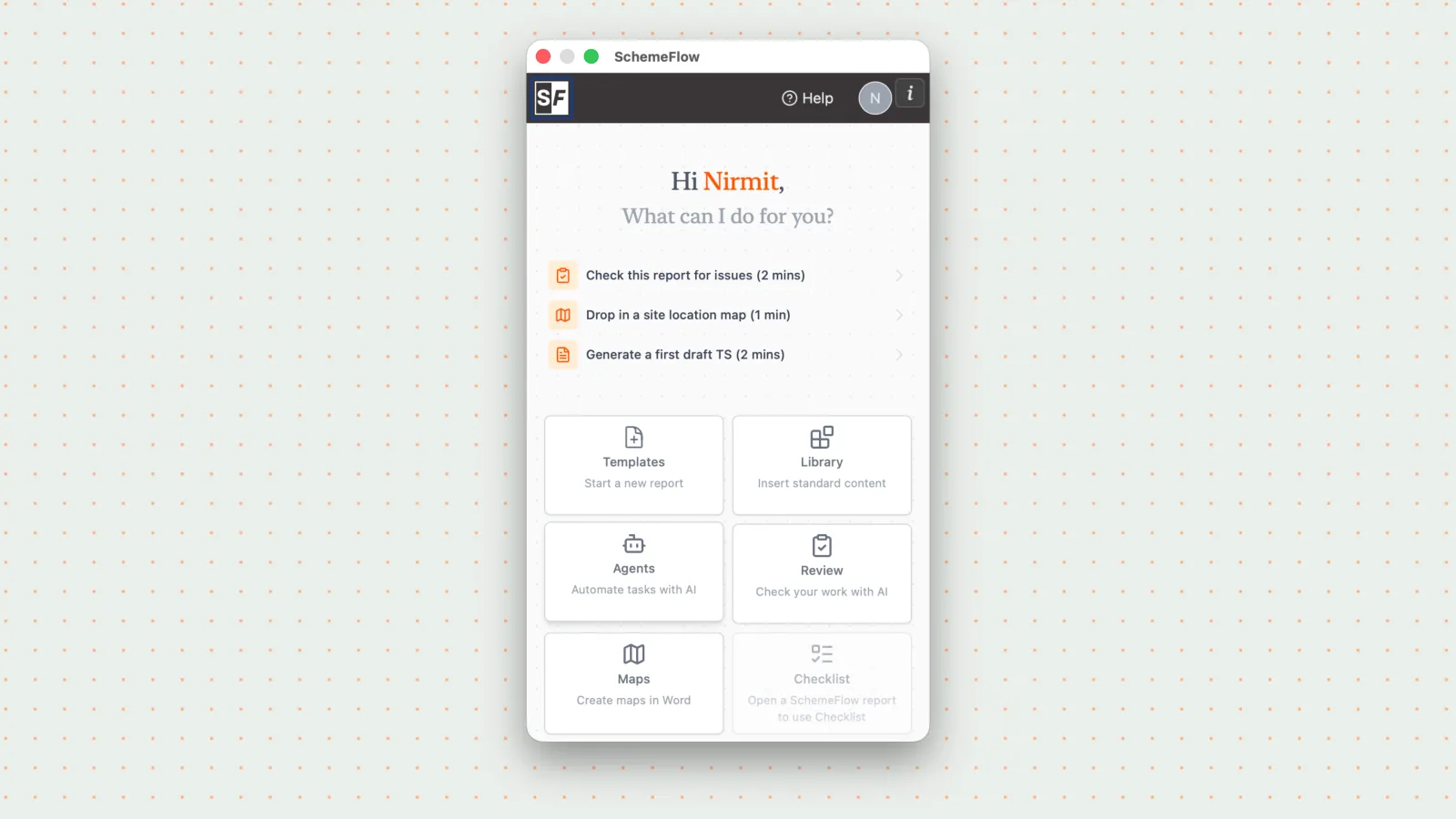
You'll see the default Agents set up for your company.
Click the New icon in the top-right corner to open Agent Builder.
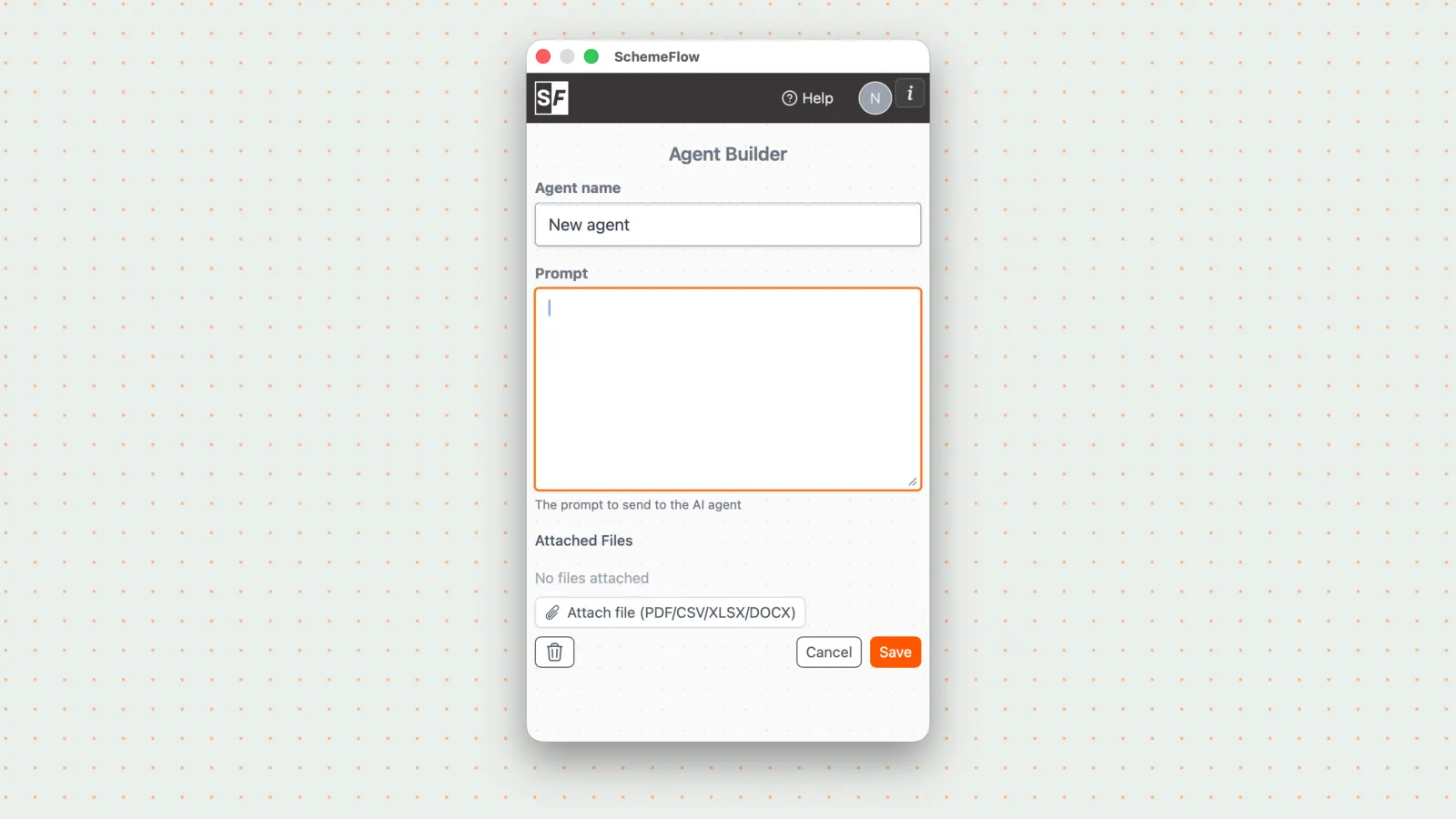
In Agent Builder, you can:
- Create a new Agent
- Add a permanent file to an Agent
Click Save to add the Agent to your list.
Notes
- Agents can be built for any report type or workflow, making them flexible across your whole team.
- Agents work like a chat assistant with a built-in workflow. If the output isn't quite right, just reply in the chat or tweak the prompt and run it again.