
Downloading Maps
Download a high-quality image of your map for use in reports or presentations.
Steps
Open the map you want to download in SchemeFlow Web.
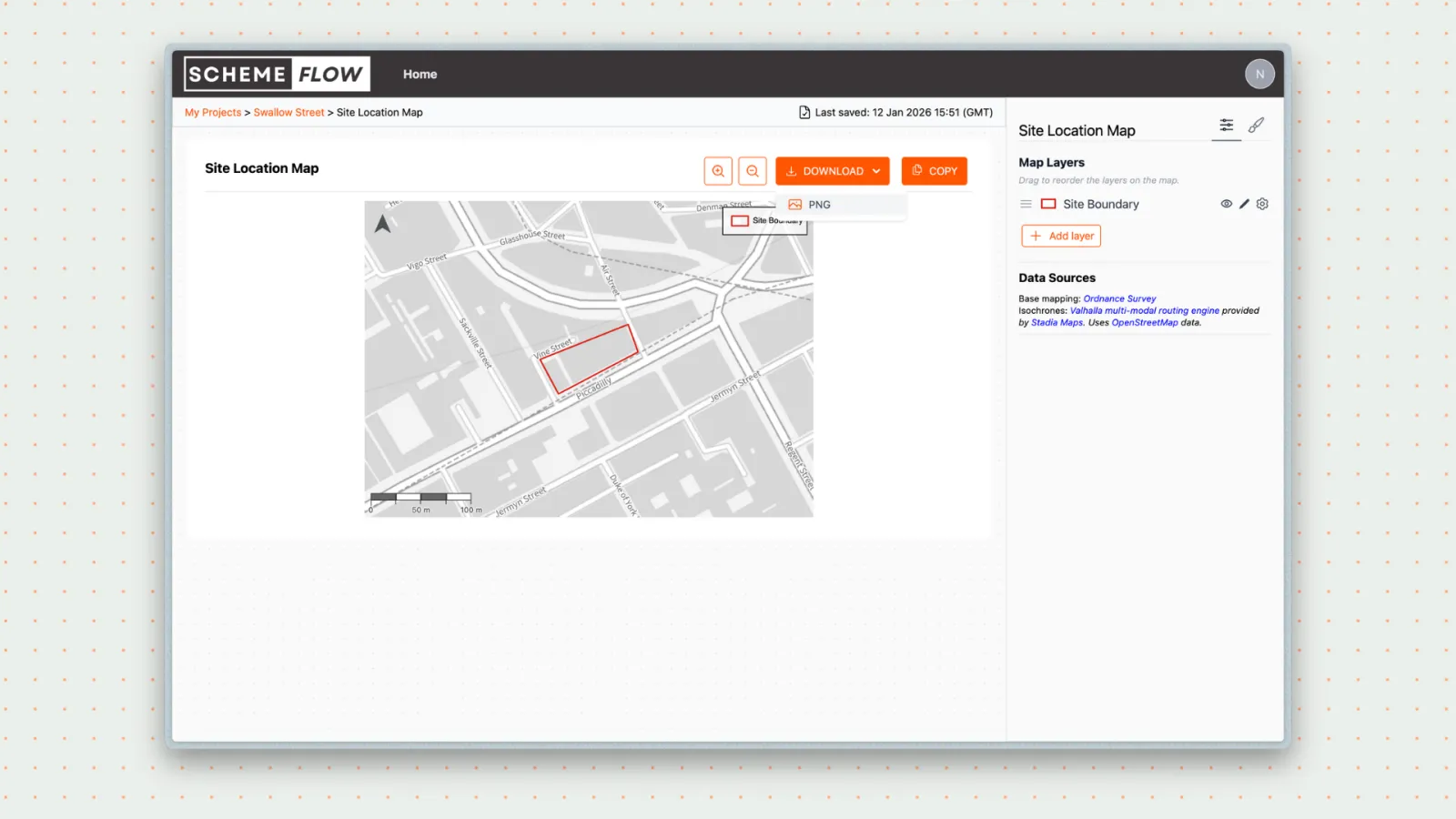
Click Download above the map.
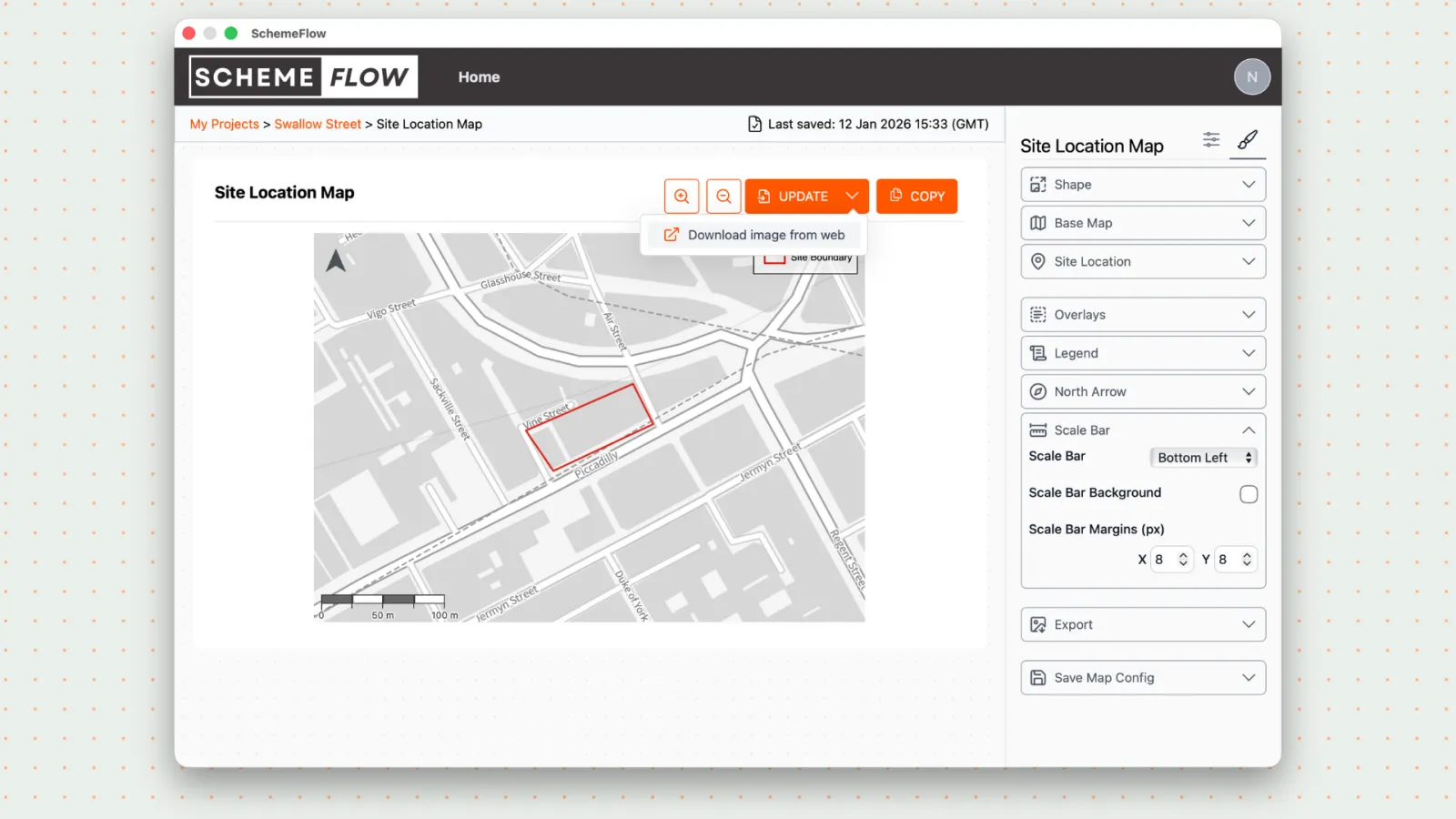
The Preview Map window opens. Make any final adjustments (zoom, map ratio, rounded corners, border width).
Click Download PNG to save the map as a PNG file.
Notes
- Downloading as a PNG provides the best image quality for reports and presentations.
- Downloading a map does not affect the version inserted in your document.