
Insert Map
Insert a map into your document.
Steps
Open the map you want to add to your report.
If the map is not already in the document, you will see an Insert button.
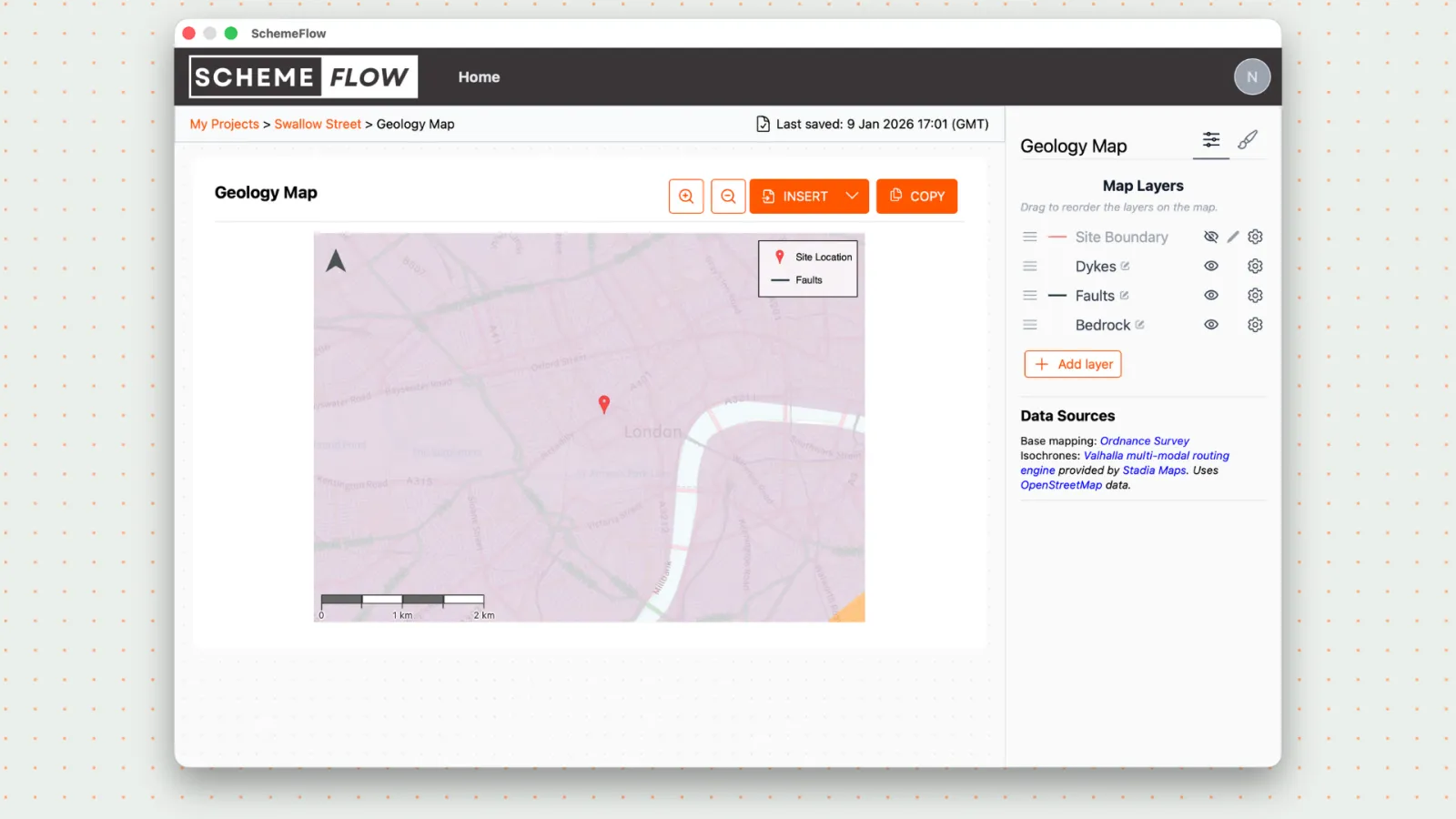
Click Insert to add the map to your report.
The map will be inserted exactly where your cursor is placed in the document.
Notes
- Make sure your cursor is positioned correctly before clicking Insert.
- Once a map has been inserted, the Insert button will change to Update for future changes.